
Choose from hundreds of email templates


Create an email campaign
People love PosterMyWall
-
“
I manage my husband’s artist page, website, and promotional materials. PosterMyWall has been a lifesaver with its variety of templates, especially the video templates!
 Katrina Johnson-HollowayMusic Promotor
 -
“
PosterMyWall has made my life so much easier. Previously I'd spend countless hours using Photoshop to create flyers and signage for church, but now I create personalized designs in minutes.
Jemal MosleyChurch Marketer -
“
Thank you sooooo much for this app. Saves me a lot of time and cost. Keep up the good work!
Blak DaveReal Estate Agent



Read customer reviews
How to create an email campaign
-
Choose an email template
Choose from thousands of professionally designed email templates for any business, event, or occasion.
-
Personalize your email with easy tools
Add your logo, images, videos, fonts, stickers, audio clips, and more. Use Brand Kits for consistent, on-brand designs.
-
Preview your email or download HTML
Download the email HTML for free or preview your email on desktop, tablet and mobile to see how it would look on different screens.
-
Publish your email campaign
Add a mailing list and send your email straight from PosterMyWall.
Featured email templates for every need


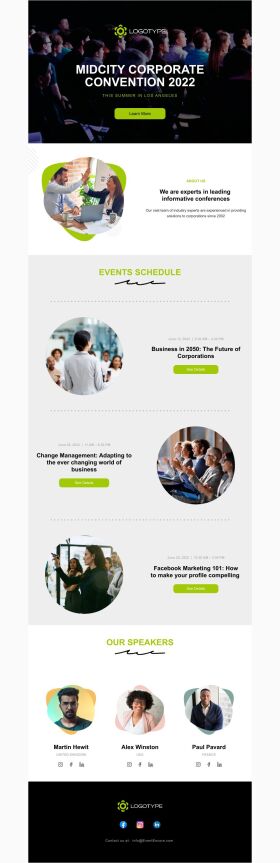


Announcement

Back in Stock

Coming Soon

Daily Specials
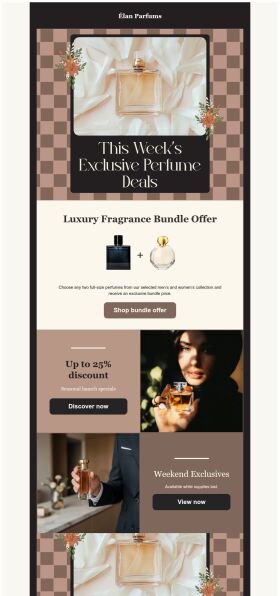
Deals and Bundles
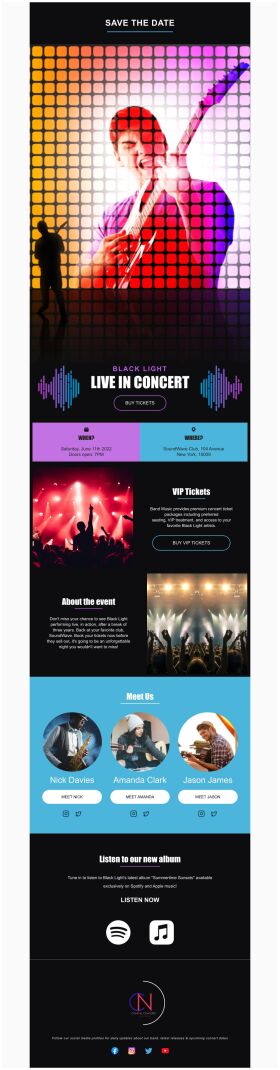
Event Promotion

Event Schedule
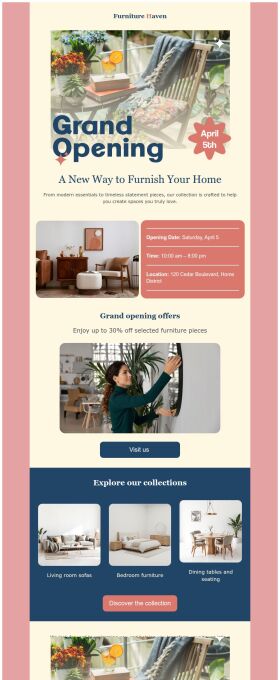
Grand Opening


Frequently asked questions
How do I create and send my email campaign?
Create an email campaign by customizing an email template from the gallery. Add photos, videos, stickers, buttons, tables, social links, or your own designs from PosterMyWall with our easy-to-use drag-and-drop Email Maker. Free users can export the email in HTML format, and Premium subscribers can publish it directly from PosterMyWall.
How does an email marketing campaign work?
Email marketing campaigns are essential to boost sales, maintain relations with customers and collect feedback. Use our email maker to promote special offers, introduce new products, exclusive brand deals, welcome new customers, and much more.
How to implement email segmentation strategies using an email maker?
To effectively use email maker, first build an email list of potential clients for your business. You can get it through a subscription program or sign-in form on your website. Next, divide your list based on different market segmentations and customize an engaging email campaign targeting each group's needs. Later, track the campaign's performance.
How many people can I send emails to?
You can export your email as an HTML file on the free plan, then send it via your email service provider like Gmail, Hotmail etc. If you’re subscribed to the Premium or Premium Plus plan, you can send 3000 emails and 10,000 emails per month respectively with PosterMyWall’s Email Marketing Platform.






